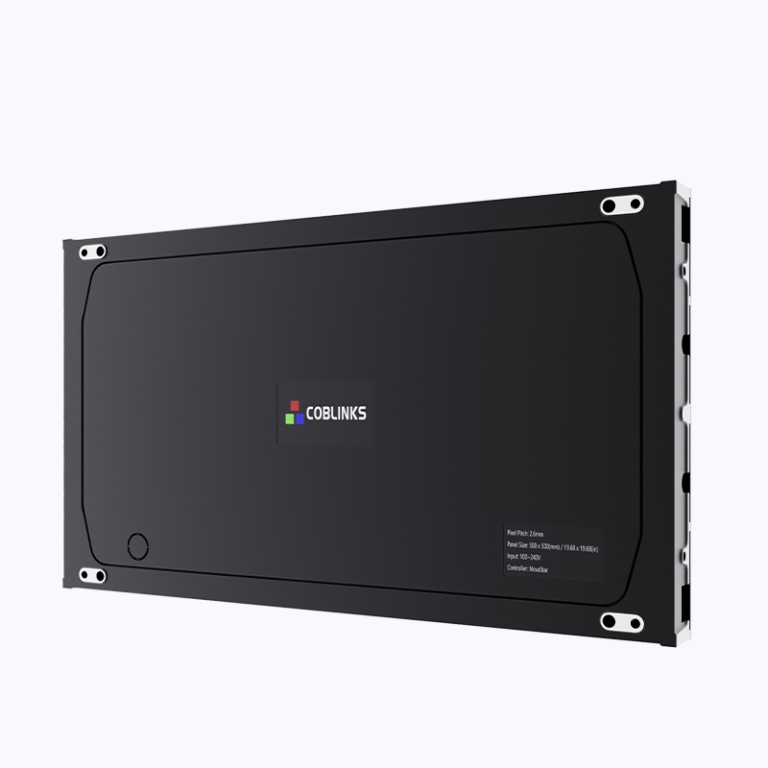
Comparative snapshot: what each screen does best
Retail owners often must decide between a large stage LED screen and more subtle indoor LED displays — both got their pros and cons, lah. Think of the stage LED screen like a headline performer: huge brightness, wide viewing angles, best for big spaces. The indoor LED displays behave like supporting acts — crisp close-up visuals and tighter pixel control. For compact, high-detail installations, a Micro LED display can give near-seamless imagery with low burn-in and great contrast. Real-world anchor: Singapore’s Orchard Road uses a mix of both approaches during festive seasons, proving different screens serve different shopper behaviours.
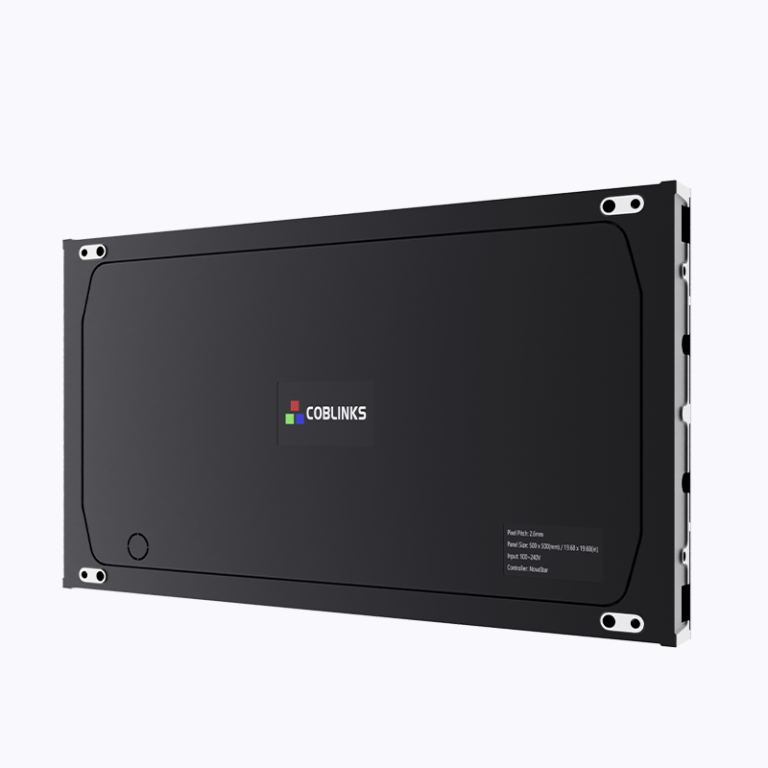
When to pick a stage LED screen
Choose stage LED screens when you need impact from far away. Outdoor-facing facades or atriums benefit from high brightness (nits), robust LED drivers, and scalable modules. Stage screens excel at broad messaging and motion graphics that catch attention across a crowd. Pixel pitch tends to be larger, so fine text up close might not be ideal — but from 10+ metres, the visuals hit hard.
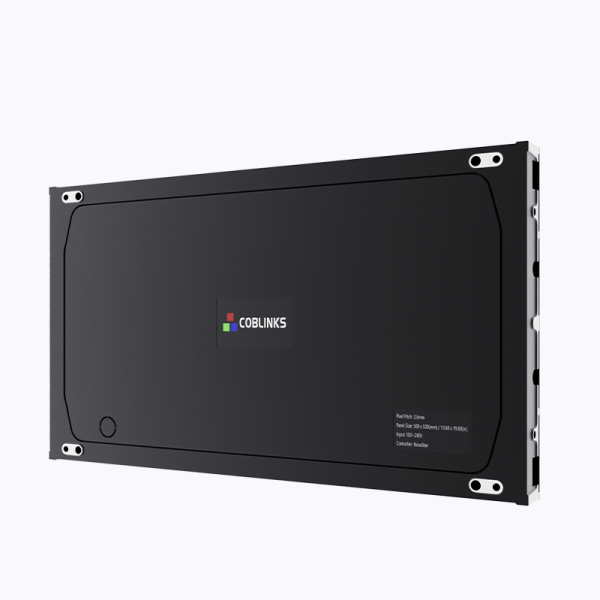
When indoor LED displays are smarter
Indoor LED displays win for in-store product storytelling, wayfinding, and promotional kiosks. Their smaller pixel pitch and higher effective resolution make product shots and small-font pricing look sharp. If you’re integrating content with POS or interactive touchpoints, indoor panels handle close-range interplay better. For ultra-compact needs — digital shelf labels or tiny window displays — consider a small led display to keep clarity without fuss.
Cost, maintenance and the hidden trade-offs
Cost isn’t just purchase price. Maintenance cycles, power draw, and content updates matter. Stage LED panels may need heavier weatherproofing and more frequent calibration for uniformity across big seams; indoor displays usually need simpler service plans. Also watch the refresh rate — if you display fast-moving video or AR overlays, higher refresh reduces tearing. Content ops can become the bottleneck; simpler templates reduce day-to-day overhead.
Common mistakes teams make — and how to avoid them
Teams often treat screens like interchangeable billboards — wrong move. Typical slip-ups:
– Buying oversized panels with poor pixel pitch for close viewing, then lowering content quality to compensate.
– Underestimating ambient light: high contrast ratio is useless if sunlight washes everything out.
– Skimping on networked content management, which makes remote updates a headache.
Fixes are straightforward: set viewing distance standards, match brightness and contrast to environment, and pick a proven CMS stack. — Simple changes give big returns.
Technical knobs to check before signing off
Keep these industry terms front-of-mind: pixel pitch, refresh rate, and contrast ratio. Pixel pitch maps directly to perceived resolution at a given viewing distance; refresh rate affects motion fidelity; contrast ratio determines depth and legibility under different lighting. Also validate mounting tolerance, service access, and LED lifetime specs from vendors.
Final checklist — three golden rules for selecting the right screen
1) Match pixel pitch to average viewing distance. Pick finer pitch for close interaction, coarser for wide viewing.
2) Specify environment-grade brightness and ingress protection where needed; always test on-site at peak daylight or store lighting levels.
3) Insist on a content management workflow and remote diagnostics — screens are only as good as the content you can deliver and the uptime you can maintain.
Summing up: stage LED screens grab eyeballs across spaces, indoor LED displays refine the customer experience up close, and small led display solutions fill the niche for tight, detail-focused placements. Practical choices are simple when you align screen type to viewing behaviour, maintenance realities, and content plans.
Coblinks helps match hardware and workflows so your retail visuals behave exactly how you need them — fast installs, sensible specs, and fewer surprise service calls. —